




Apple Pencil Pro for iPad 2024 and later White Original Retail Box MX2D3ZM/A
Product SKU : AR460-065- New Open Box
- Compatible with iPad Pro (2024) / iPad Air (2024)
- Bluetooth enabled
- Magnetic attachment
- MX2D3ZM/A
- 12 Months Warranty
Product Description
Reasons to buy Apple A2538 :Unleash your creativity with the Apple Pencil Pro (2024) ✏️. Designed for the iPad 13" Pro M4 and Air 11" M2, this original White accessory offers precision and smooth performance for all your artistic and note-taking needs 🌟
|
What's Included- You can use Apple Pencil Pro only with these iPad models and iPadOS 17.5 or later: iPad Pro 13-inch (M4) iPad Pro 11-inch (M4) iPad Air 13-inch (M2 and M3) iPad Air 11-inch (M2 and M3) iPad mini (A17 Pro) From jotting down notes to creating digital masterpieces, Apple Pencil Pro lets you do it all. The super-low latency and pixel-perfect precision give you the fidelity you need to focus on fine details. You can squeeze the Pencil to quickly bring up different tools, colours and other options. To change the angle of your brush, you can just roll the Pencil between your fingers. It doesn't get more intuitive than that. And the new Haptic feedback gives you a reassuring tap to confirm your actions. Apple Pencil Pro adds even more magical capabilities to help bring your ideas to life. New advanced features make marking up, taking notes, and creating a masterpiece more intuitive than ever. Squeeze - Apple Pencil Pro can sense when you squeeze it and brings up a new palette so you can quickly switch tools, line weights, and colours, thanks to a new sensor. Barrel Roll - A new gyroscope allows you to rotate the Apple Pencil Pro for precise control of shaped pen and brush tools. Haptic Feedback - A custom haptic engine provides feedback that you can feel. When you squeeze or double-tap, a light pulse confirms the action. Apple Pencil hover. Preview exactly where your Apple Pencil will touch down on your display. So you can write, sketch, and illustrate with even greater precision. Double-Tap - Quickly switch between tools, like a pen and eraser, with a double tap. And if you misplace Apple Pencil Pro while you're out and about or at home, you can easily locate it in the Find My app. Apple Pencil Pro attaches, pairs, and charges magnetically on the side of your iPad. Compatibility - iPad Models - iPad Pro 13-inch (M4), iPad Pro 11-inch (M4), iPad Air 13-inch (M2), iPad Air 11-inch (M2).
DESCRIPTION
Good to know
- It supports Apple Pencil hover, so you can see your cursor before you touch the screen
- You can simply double-tap to switch between your most used tools, like a pen and eraser
- It snaps magnetically to the side of your iPad, where it automatically charges
- Misplaced your Pencil Pro? You can track it down using the Find My app, so it won't be lost for long.
Specifications:
| Brand | Apple |
| Grade | New Open Box |
| Colour | White |
| Model | MX2D3ZM/A |
| Type | Stylus |
| Warranty | 12 Months |
| Operating system | |
| Hard drive capacity | |
| Processor speed | |
| Ram size | |
| Screen size |
FAQIs Apple A2538 Stylus worth it?
Absolutely! Buying an iPad, like the Apple A2538, is definitely worth it. iPads are sleek, powerful, and versatile devices that greatly enhance your digital experience. Whether you're a student, professional, artist, or simply someone who enjoys easy-to-use technology, the iPad offers a perfect combination of portability, productivity, and entertainment. With its beautiful screen and a wide range of apps and features, the iPad allows you to work, learn, create, and stay connected effortlessly. It opens up a world of possibilities and takes your digital lifestyle to new heights. Get ready to enjoy the amazing benefits of the Apple A2538. What is the average life of a Apple A2538 ?
The average life of an Apple A2538 can vary depending on several factors, including usage patterns, care, and technological advancements. However, iPads are generally designed to have a lifespan of around 4 to 6 years.
Apple typically provides software updates for several years after a device's release, which ensures compatibility with the latest apps and security enhancements. What should I look for when buying a tablet?
When buying a tablet, there are several factors you should consider to ensure you get the right device for your needs: Operating System: The operating system of a tablet determines its user interface and the range of apps available. The most popular operating systems for tablets are Android, iOS, and Windows. Screen Size: The screen size of a tablet can range from around 7 inches to 13 inches. Consider the size that will be most comfortable for you to use, and also keep in mind that larger screens may be better for tasks like watching videos or reading. Performance: Look for a tablet with a powerful processor, sufficient RAM, and a good amount of storage. This will ensure that the tablet can handle your apps and multitasking needs. Battery Life: Consider the battery life of the tablet, as this will determine how long you can use the device without needing to charge it. Connectivity: Check for the type of connectivity options the tablet offers, such as Wi-Fi, cellular data, and Bluetooth. Camera Quality: If you plan on using the tablet to take photos or video, look for a device with a good quality camera. Price: Set a budget for your tablet purchase and look for devices within your price range. Refurbished tablets can be a great way to save money without sacrificing quality. Cheap tablets for sale At Student Computers, we offer a range of cheap tablets for sale in the UK. Our selection includes both new and refurbished models from top brands like Apple, Samsung, and Amazon, at prices that are significantly lower than buying new. Our refurbished tablets have been restored to like-new condition and thoroughly tested to ensure they meet our high standards. This allows us to offer our customers a quality product at a much lower price point, without sacrificing performance or features. |
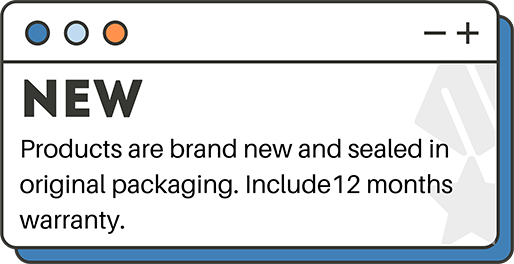
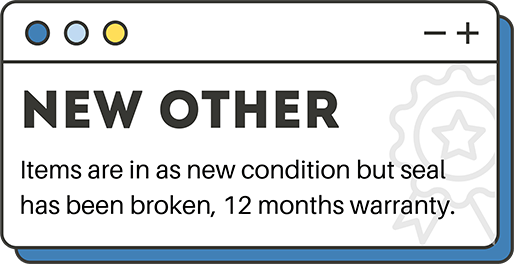
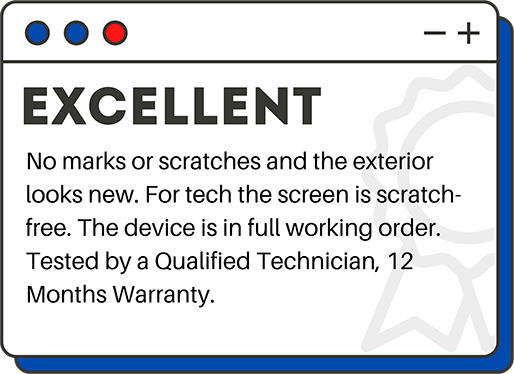
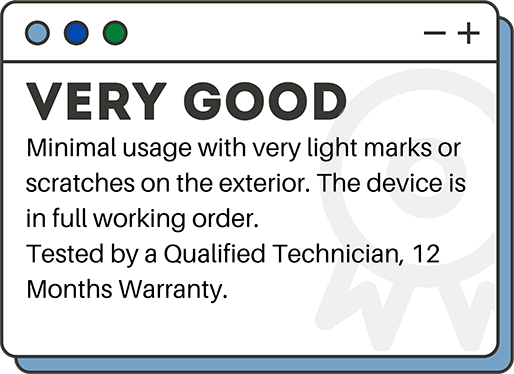
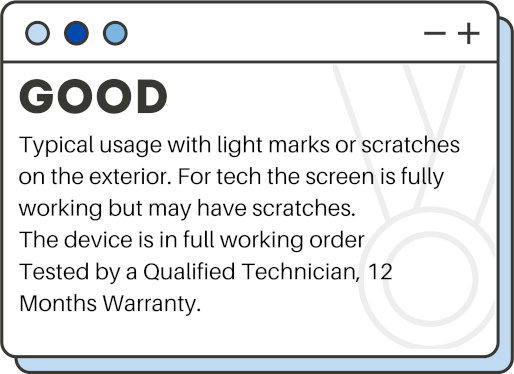
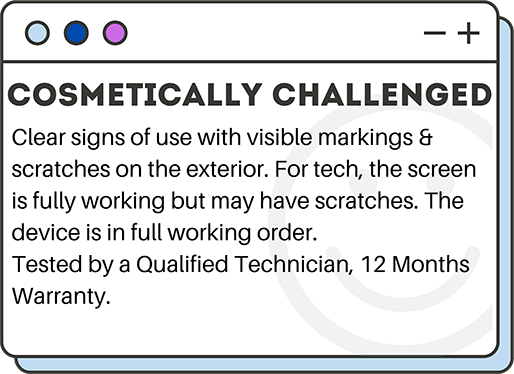
Grading Explained

Related Products


MOZA R3 Racing Simulator Bundle - R3 Base, ES Wheel, SR-P Lite Two Pedals, Table clamp (RS053)


Philips 4K Monitor 32" Black VA Monitor DisplayPort, HDMI, USB Less eye fatigue


TCL TAB 10L Gen 4 Tablet Mediatek 64 GB 10.1" 4GB WI-FI Android